
Google Play Store
Google Play Store is Google's digital distribution platform for Android, used to find, install and update apps, games and books.
101.1 MB

1.0-2026-08-21 · Defiant Technologies, LLC · Page updated
DiskDigger is an Android app from Defiant Technologies that finds and restores deleted photos, videos and other files on a phone.
Average 0.0 · ratings: 0
Thank you! Your rating is saved; you can change it. Could not save the rating. Please try again later. Too many ratings from your network today. Please try again tomorrow. The average appears after 5 ratings.
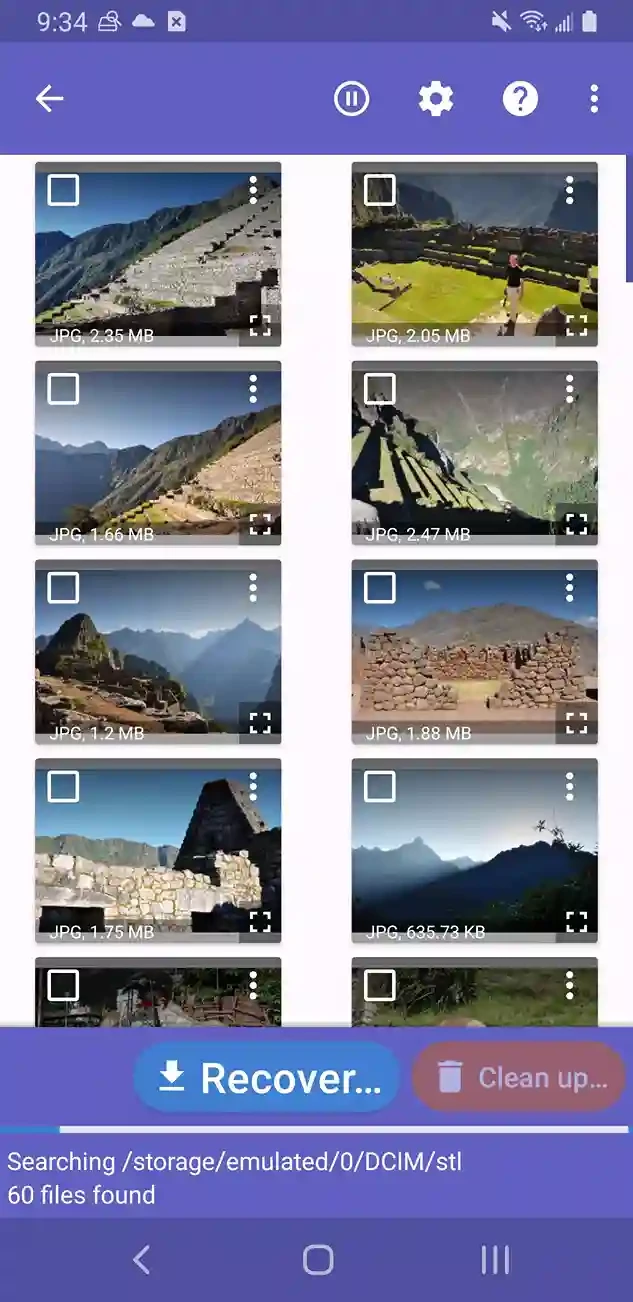
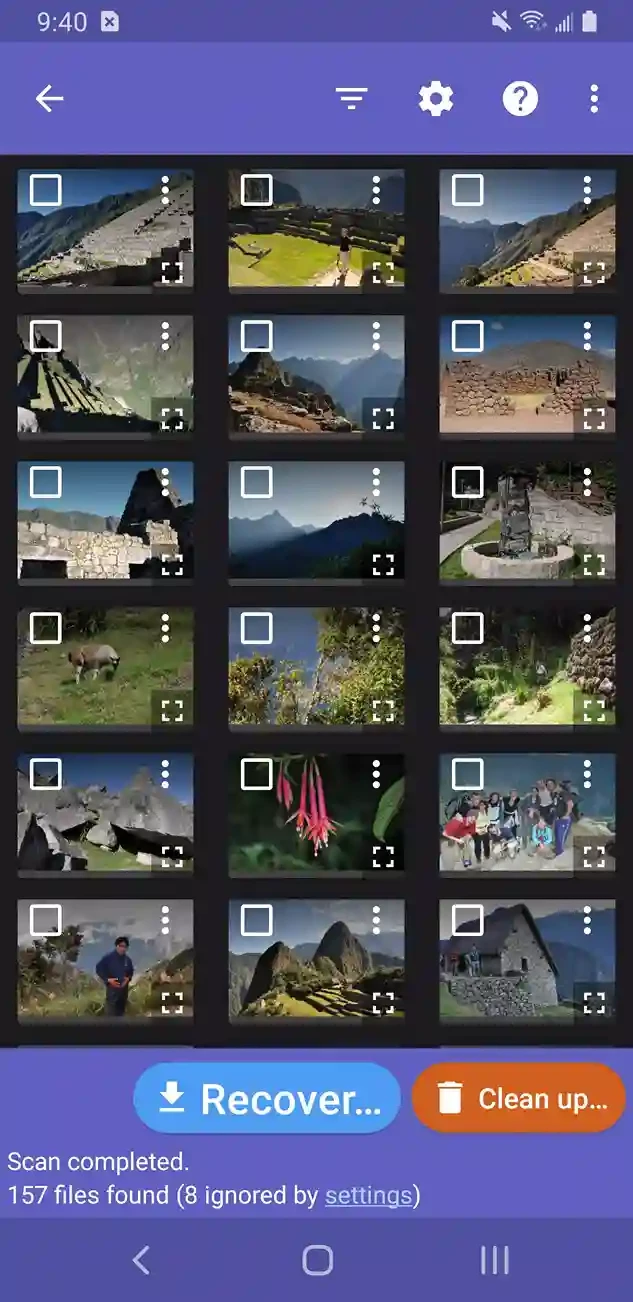
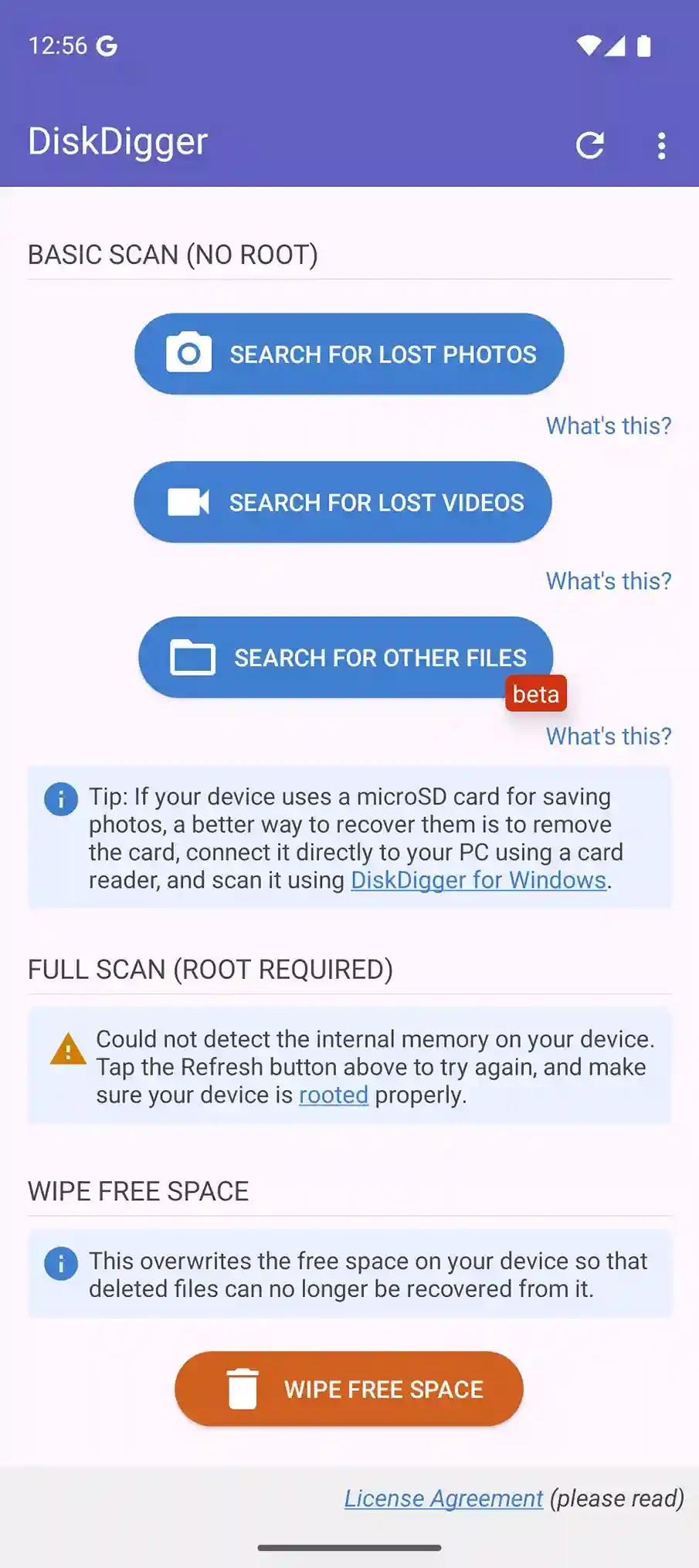
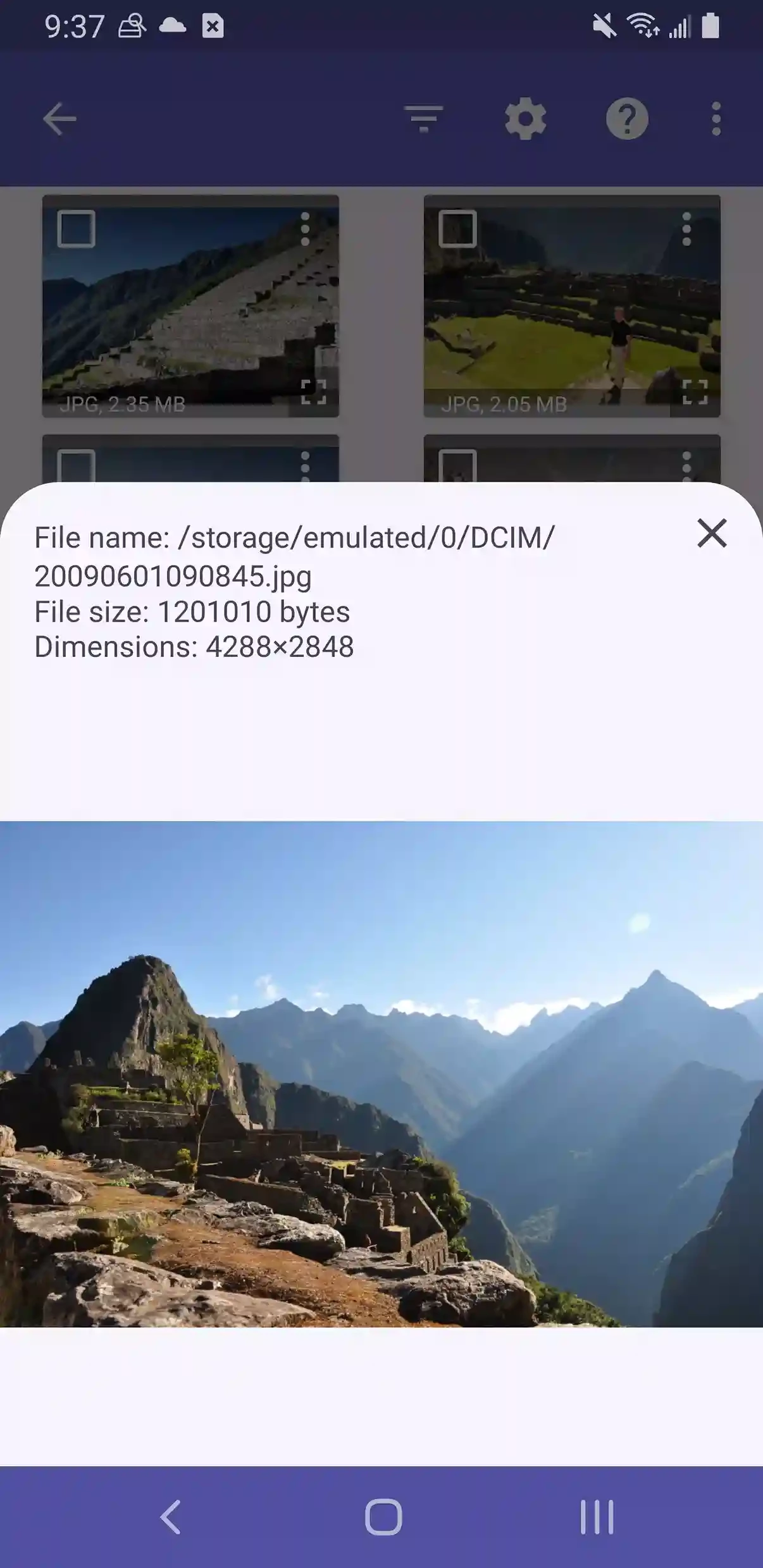
DiskDigger is a file recovery app for Android from Defiant Technologies, LLC, the current build being 1.0-2026-08-21. People download DiskDigger right after deleting a photo or clearing a gallery by mistake, hoping to get the pictures back before they are overwritten.
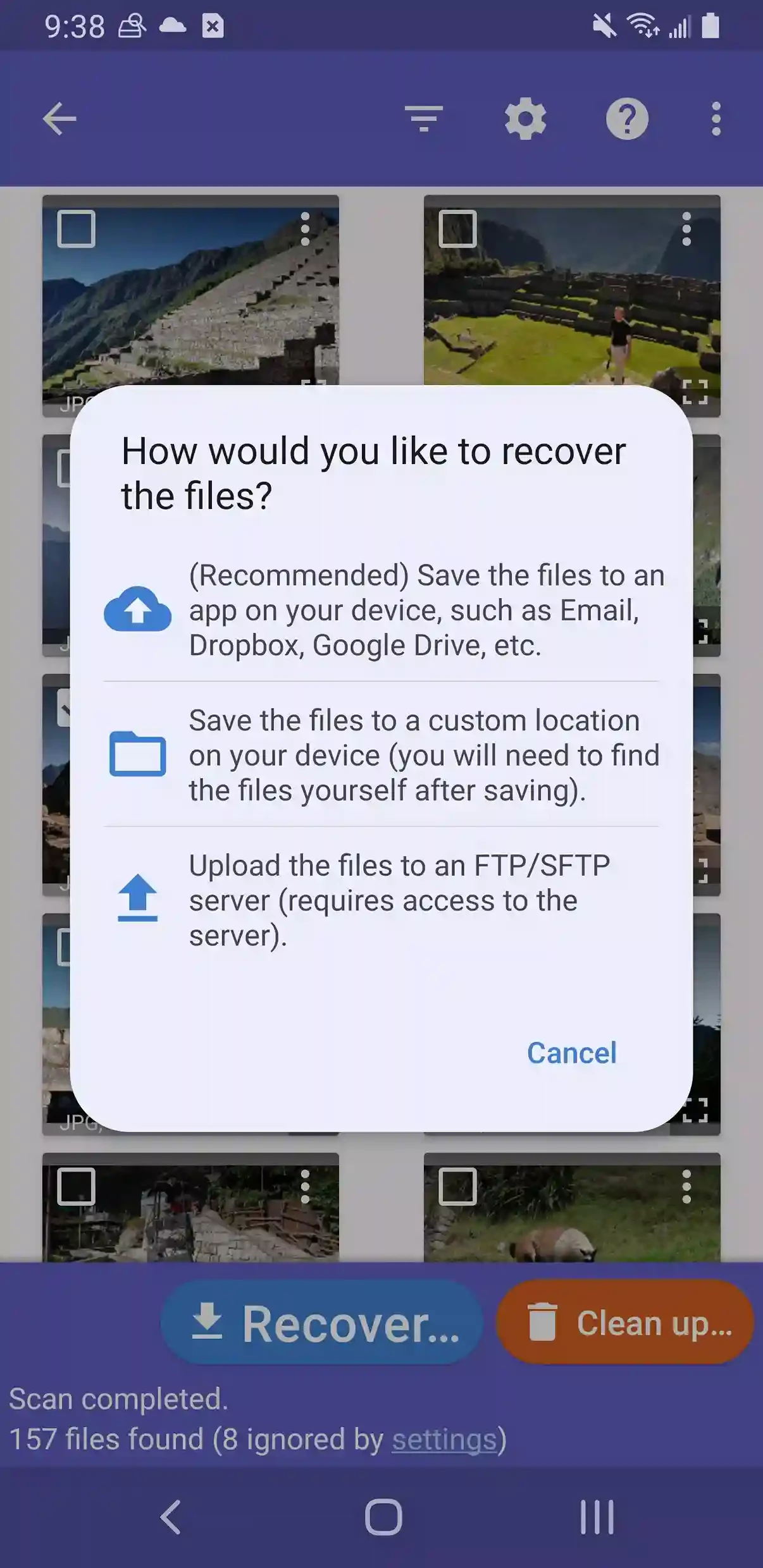
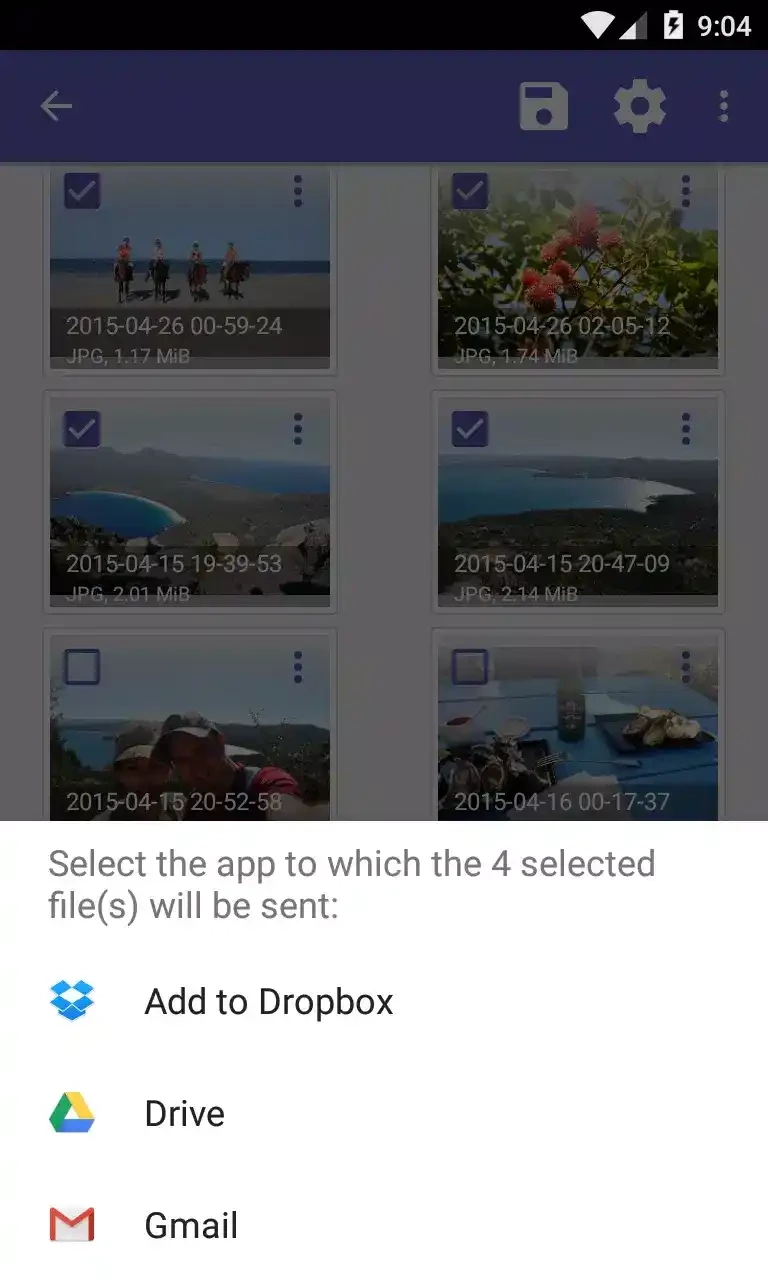
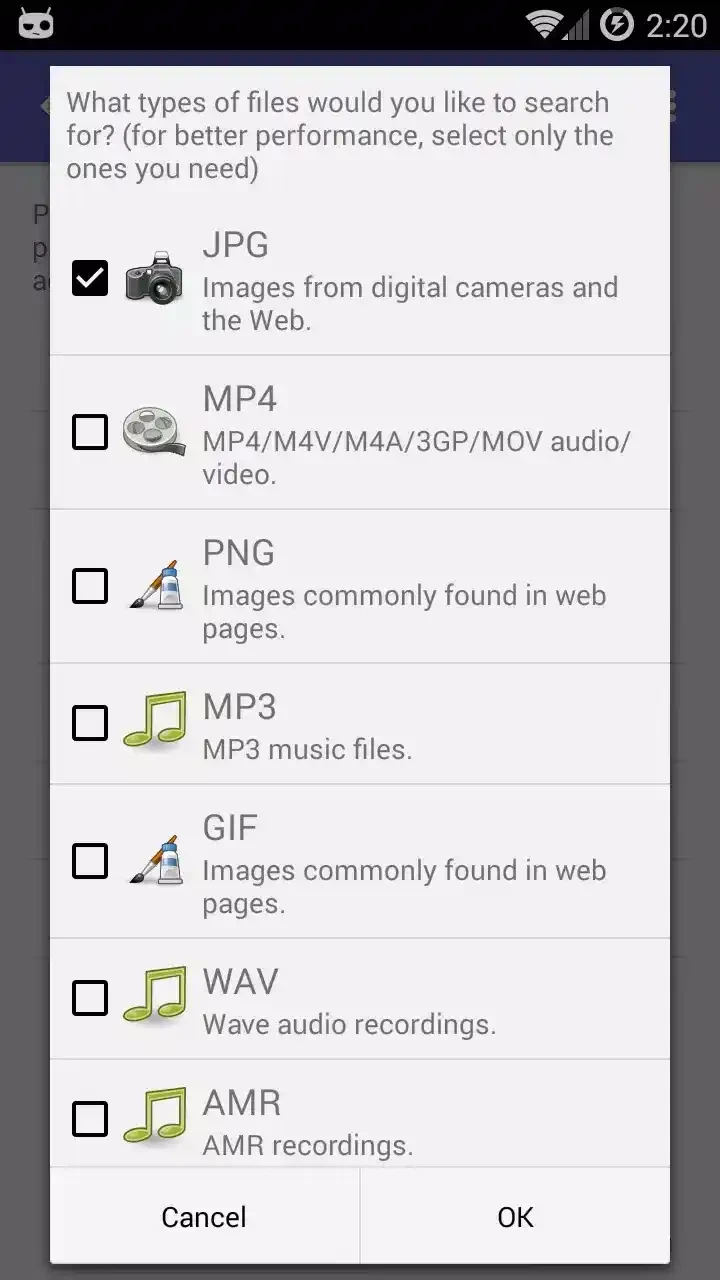
When you delete a picture on Android, the space it used is marked as free, but the data often stays in memory for a while. Apps and the gallery also keep thumbnails and cached copies of images. DiskDigger searches for both. Without special rights, it runs a basic scan that looks through caches and thumbnails and finds many recently deleted photos, although often in reduced resolution. On a rooted phone the app can read the storage directly and run a full scan for photos, videos and other file types in their original quality. Found items are shown as a grid with previews, so you can pick the ones you want. Restored files can be saved to another folder on the phone, uploaded to a cloud service such as Google Drive or Dropbox, or sent by email. The same company makes a Windows version for computers, USB sticks and memory cards.
According to catalogue data, the app is about 5.71 MB.
The sooner you scan, the better. Photos deleted a long time ago, or on phones with heavy use since, may be gone for good. Without root, some pictures will come back only as small thumbnails. Recovering from a memory card is easier: you can remove it and scan it with the Windows version on a PC.
No, the basic scan works on any phone. Root gives deeper access but also removes security protections of the system and can void the warranty, so it is not worth doing only for recovery.
The basic photo recovery is free. Download only from Google Play or diskdigger.org, because fake recovery apps are common and full of ads or malware. The app only reads your storage and saves files where you choose.
Turn on automatic backup in a cloud service, for example Google Photos or Google One, and check the gallery's trash folder first: many phones keep deleted photos there for some time.
The phone's built-in file manager helps find photos that were moved rather than deleted, and ZArchiver opens archives with backups.
Google Play Store is Google's digital distribution platform for Android, used to find, install and update apps, games and books.

APKPure is a third-party app marketplace for Android that installs apps from APK files outside Google Play. This page covers version 3.20.7803.

Aptoide is an open-source alternative app store for Android, running since 2009. This page covers version 9.22.5.3.

QuickShortcutMaker is a small Android tool for creating home screen shortcuts to specific screens of installed apps, including hidden settings.